

Where MCP fits among the entry points
Each context entry point answers a different question:
MCP is the entry point for anything the agent should fetch live rather than be told in advance. A question like “are there any open incidents affecting this customer?” can’t be answered from your data model — but an MCP connector to your incident tracker can.
Managing connectors
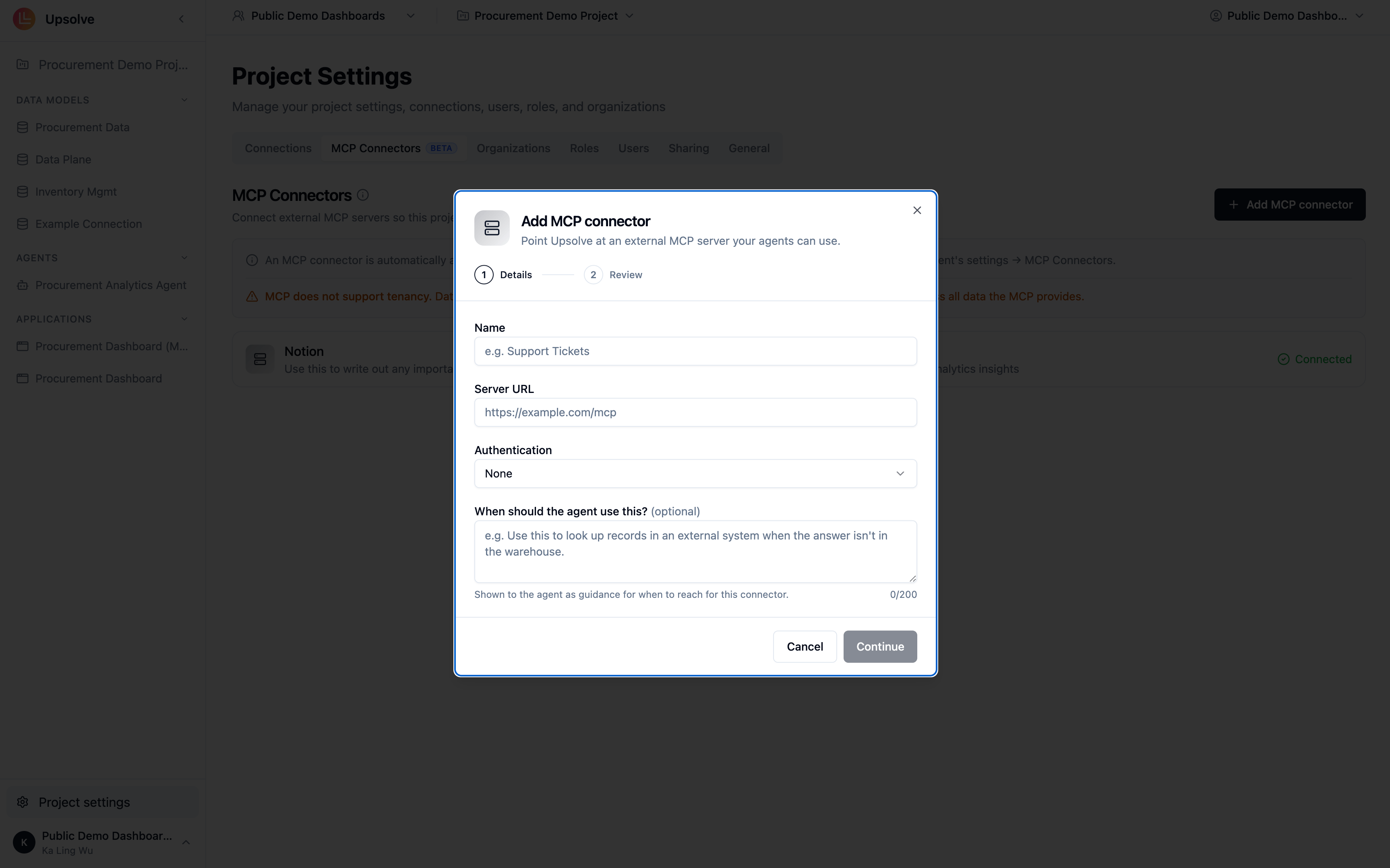
MCP connectors are configured at the project level (Project Settings → MCP Connectors) and are enabled for every workspace’s agent by default — there is no per-workspace connector list. Keep a connector’s tools relevant for every agent in the project, or connect it in a project of its own if one agent would find them noise.The other direction: exposing Upsolve over MCP
This page is about MCP as a way to bring external context into your agent. Upsolve also uses MCP in the opposite direction — exposing your agent to MCP clients. Those are deployment topics, covered in their own guides:Use Upsolve from Claude
Build workspaces, or ask them questions, from Claude: one connector for each.
Use Upsolve Local from Claude and Codex
The same two servers against Upsolve running on your own machine.
Next steps
Knowledge Base
Store static reference documents the agent searches on demand.
Skills
Package procedures the agent follows once live context arrives.